Doitong
Возможности ▾
ИИ Текст в видео
ИИ Фото в видео
ИИ Текст в речь
Генератор длинных видео
ИИ Генератор диалогов
ИИ Липсинк
ИИ Текст в фото
Nano Banana Pro
Seedream 5
Гайд по Seedance 2.0
Видеогенератор Veo3
ИИ Генератор аватаров
AI Course Autopilot
Кейсы ▾
YouTube Shorts
TikTok Video
Instagram Reels
Видео в аудио
Видео в текст
Цены
Авторы
Партнерам
Русский
English (USA)
English (UK)
Español (España)
Español (México)
Português (Portugal)
Português (Brasil)
Français (France)
Français (Canada)
中文 (简体)
中文 (繁體)
العربية
Cymraeg
Čeština
Dansk
Deutsch
Ελληνικά
Suomi
Gaeilge
Gàidhlig
עברית
Hrvatski
Magyar
Íslenska
Italiano
Қазақша
Lëtzebuergesch
Lietuvių
Latviešu
Māori
Bahasa Melayu
Malti
Nederlands
Norsk
Polski
Rumantsch
Romani
Русский
Sámegiella
Slovenščina
Svenska
தமிழ்
ไทย
Türkçe
ייִדיש
हिन्दी
বাংলা
ਪੰਜਾਬੀ
日本語
한국어
Bahasa Indonesia
Tiếng Việt
Filipino
فارسی
اردو
Kiswahili
Войти
Возможности
ИИ Текст в видео
ИИ Фото в видео
ИИ Текст в речь
Генератор длинных видео
ИИ Генератор диалогов
ИИ Липсинк
ИИ Текст в фото
Nano Banana Pro
Seedream 5
Гайд по Seedance 2.0
Видеогенератор Veo3
Аватары
Course Autopilot
Кейсы
YouTube Shorts
TikTok Video
Instagram Reels
Видео в аудио
Видео в текст
Цены
Авторы
Партнерам
Начать создание
P
pahotin
@pahotin
Сделать своё на Doitong
image
Reference image 1
image
Reference image 1
image
Reference image 1
image
Reference image 1
image
Reference image 1
image
Reference image 1
image
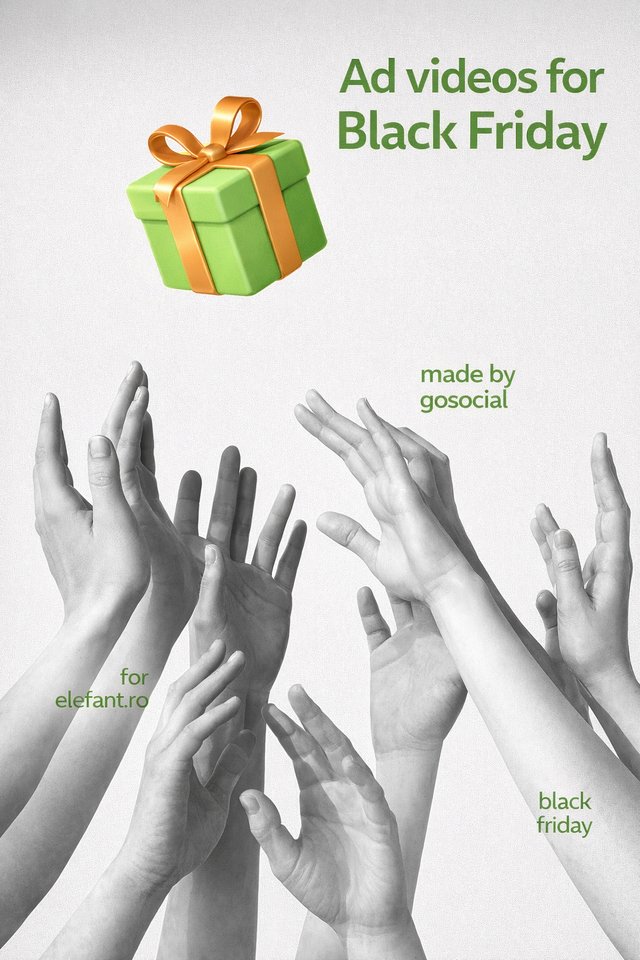
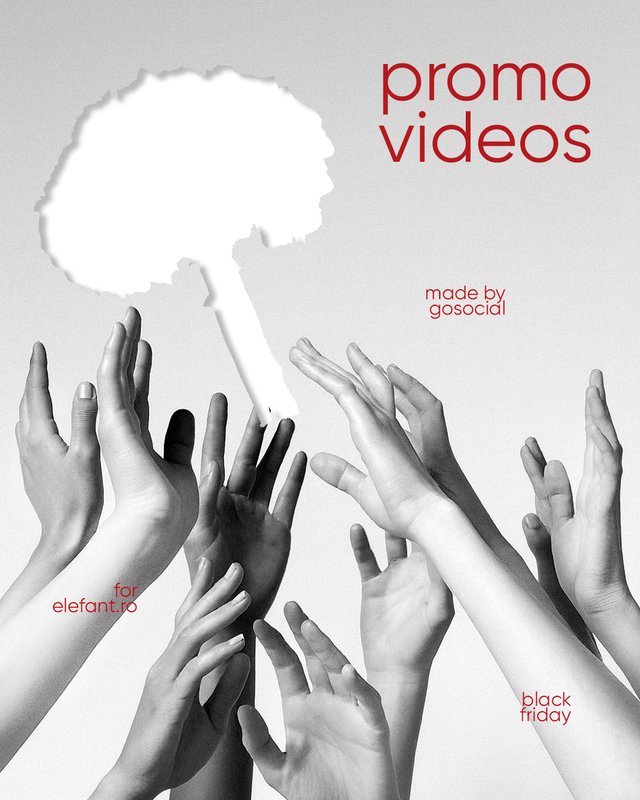
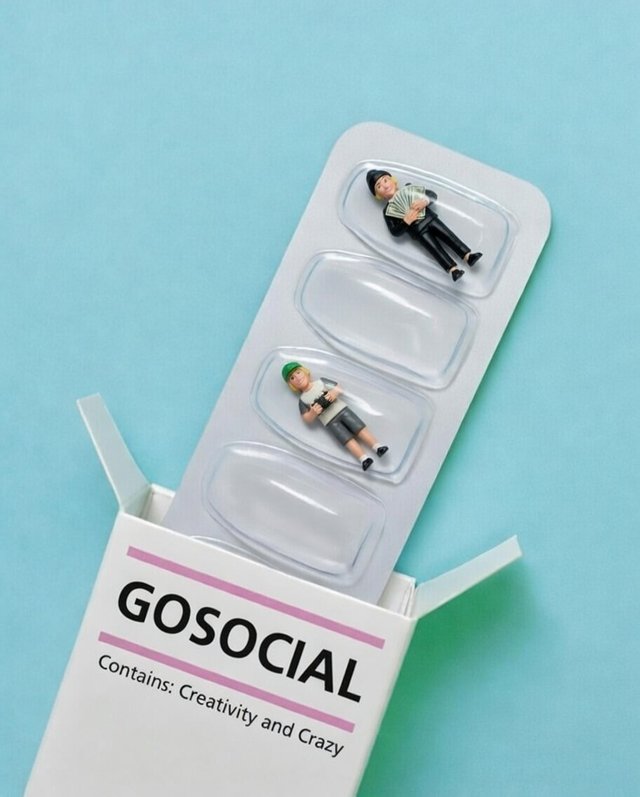
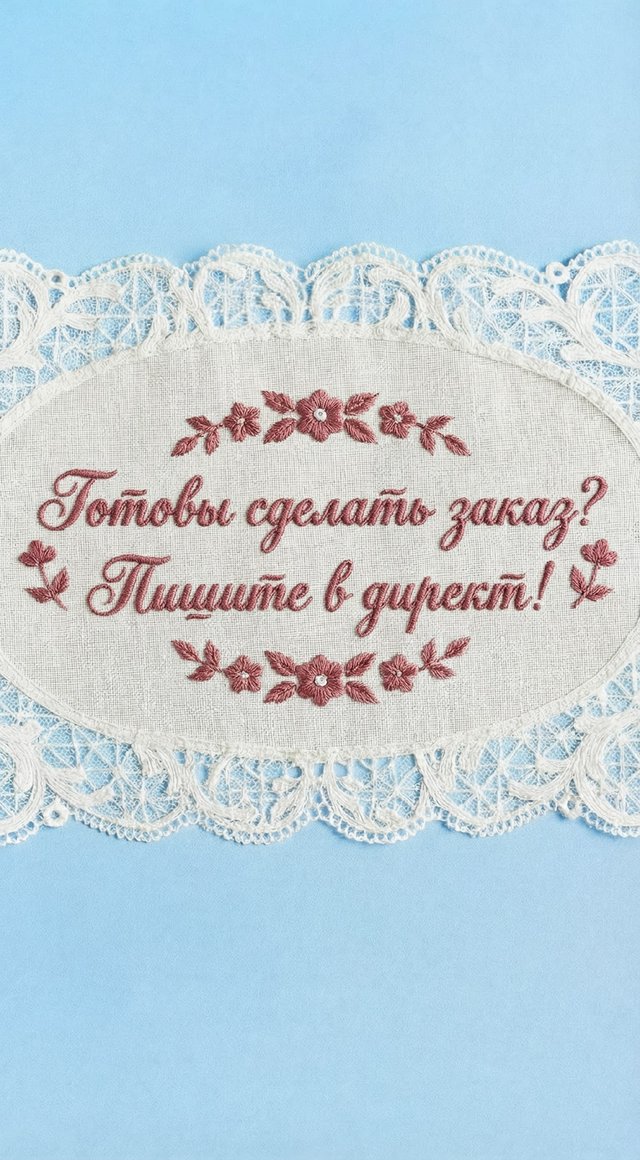
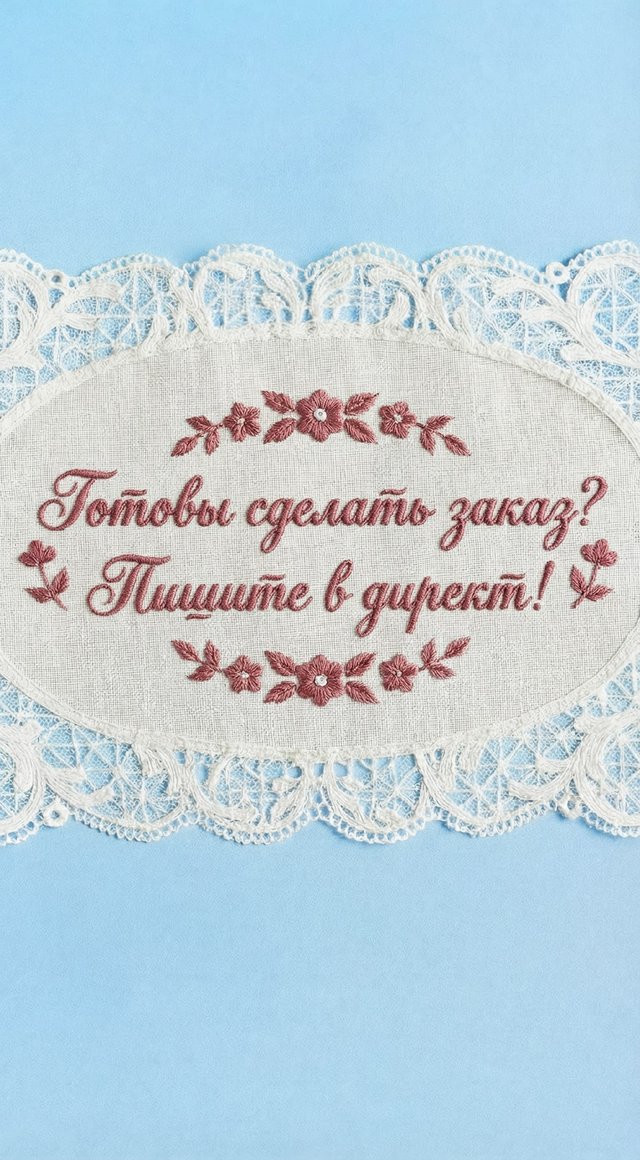
сделай картинку для карусели в инстаграм. берем основу из первого изображения. убираем силуэт белого пятна, который ловят руки и вместо э...
image
Reference image 2
image
Reference image 1
image
67965e59a76cae79905865ce85626415.jpg
image
e7a7e7d3b768443ae897cd28fdb3d83a-2.jpg
image
4a539d7c4306f363ae436c49004eb1a6.jpg
image
060c3232cccec5c3b8c98678e5062a46.jpg
image
44c28aa6-5b00-49fd-9c56-0a72f9799bde.jpg
image
Reference image 1
image
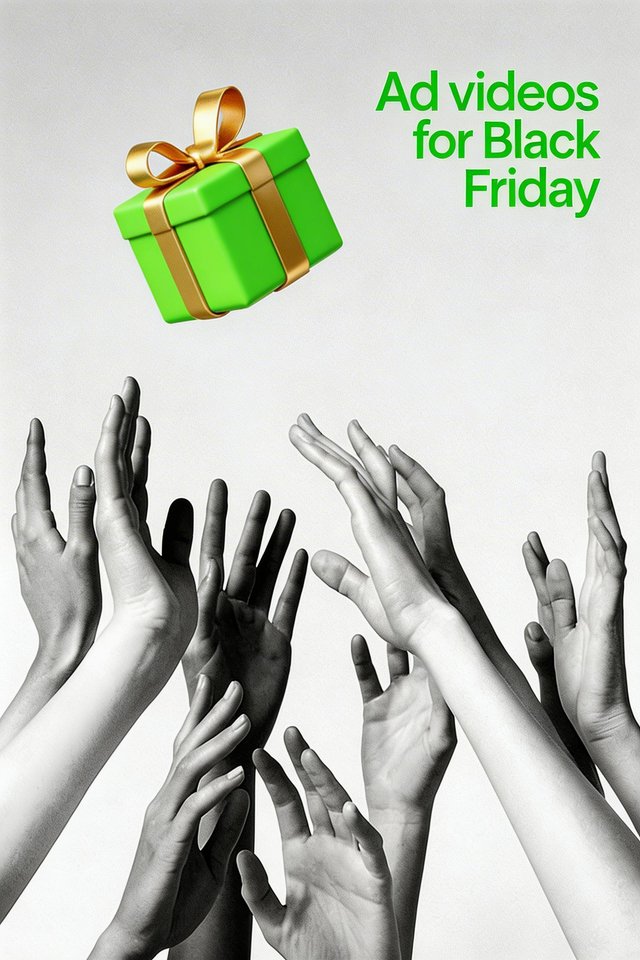
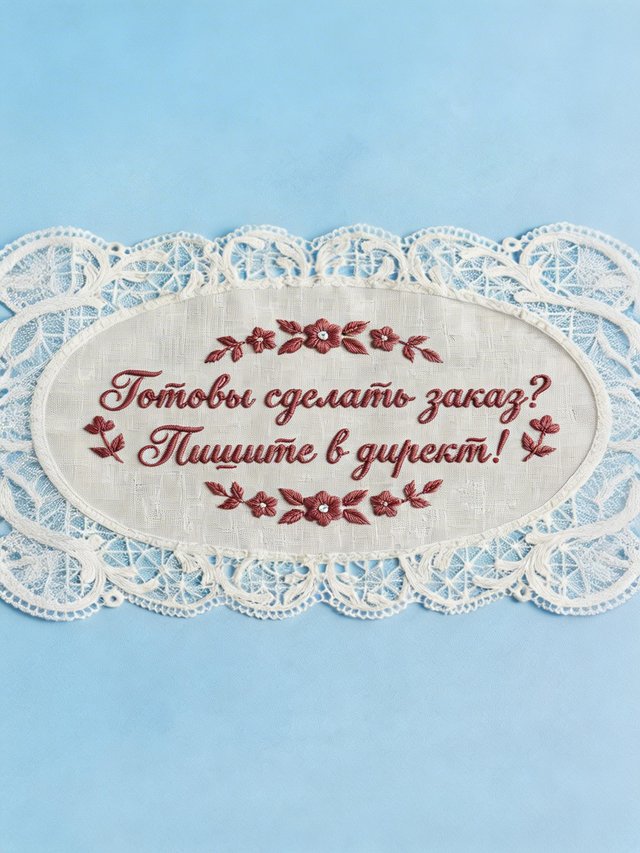
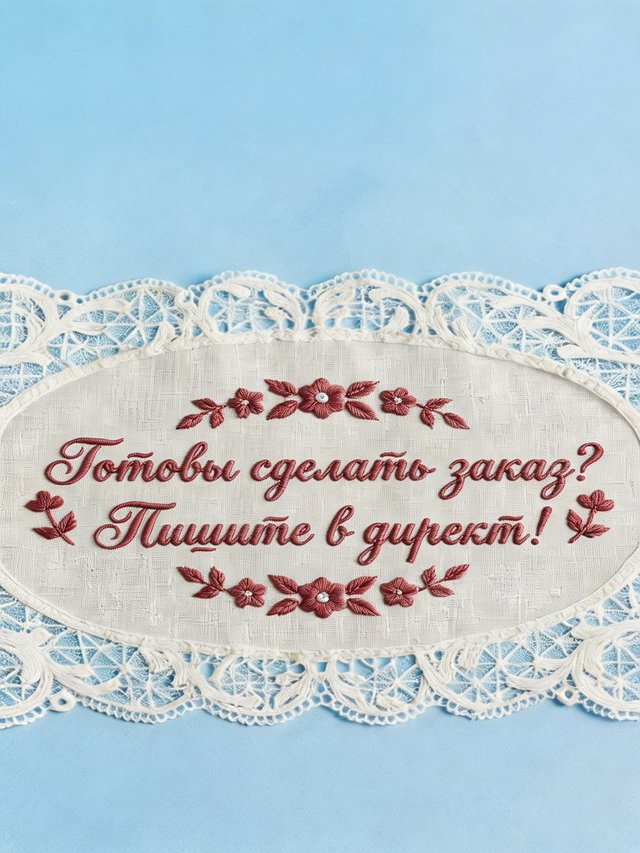
для карусели мне это изображение нужно чуть ресайзнуть. хочу чтоб немного выше была точка съемки, чтобы чуть мельче была надпись
image
для карусели мне это изображение нужно чуть ресайзнуть. хочу чтоб немного выше была точка съемки, чтобы чуть мельче была надпись
image
Reference image 1
video
Create a clean cinematic transition from one camera angle to the next. Only a smooth cut that blends the two photos naturally, as if swit...
image
End frame for Luma video
image
Create a clean cinematic transition from one camera angle to the next. Only a smooth cut that blends the two photos naturally, as if swit...
video
Create a clean cinematic transition from one camera angle to the next. No zoom, no push-in or pull-out. Only a smooth cut that blends the...
image
End frame for Luma video
image
Create a clean cinematic transition from one camera angle to the next. No zoom, no push-in or pull-out. Only a smooth cut that blends the...
image
Create a clean cinematic transition from one camera angle to the next. No zoom, no push-in or pull-out. Only a smooth cut that blends the...
image
Create a clean cinematic transition from one camera angle to the next. No zoom, no push-in or pull-out. Only a smooth cut that blends the...
video
Create a clean cinematic transition from one camera angle to the next. No zoom, no push-in or pull-out. Only a smooth cut that blends the...
image
End frame for Luma video
image
Create a clean cinematic transition from one camera angle to the next. No zoom, no push-in or pull-out. Only a smooth cut that blends the...
video
Create a clean cinematic transition from one camera angle to the next. No zoom, no push-in or pull-out. Only a smooth cut that blends the...
image
End frame for Luma video
image
Create a clean cinematic transition from one camera angle to the next. No zoom, no push-in or pull-out. Only a smooth cut that blends the...
video
Create a smooth cinematic transition between the two images. Use natural camera movement and gentle parallax. Begin with a close-up and s...
image
End frame for Luma video
image
Create a smooth cinematic transition between the two images. Use natural camera movement and gentle parallax. Begin with a close-up and s...
video
Create a smooth cinematic transition between the two images. Use natural camera movement and gentle parallax. Begin with a close-up and s...
image
End frame for Luma video
image
Create a smooth cinematic transition between the two images. Use natural camera movement and gentle parallax. Begin with a close-up and s...