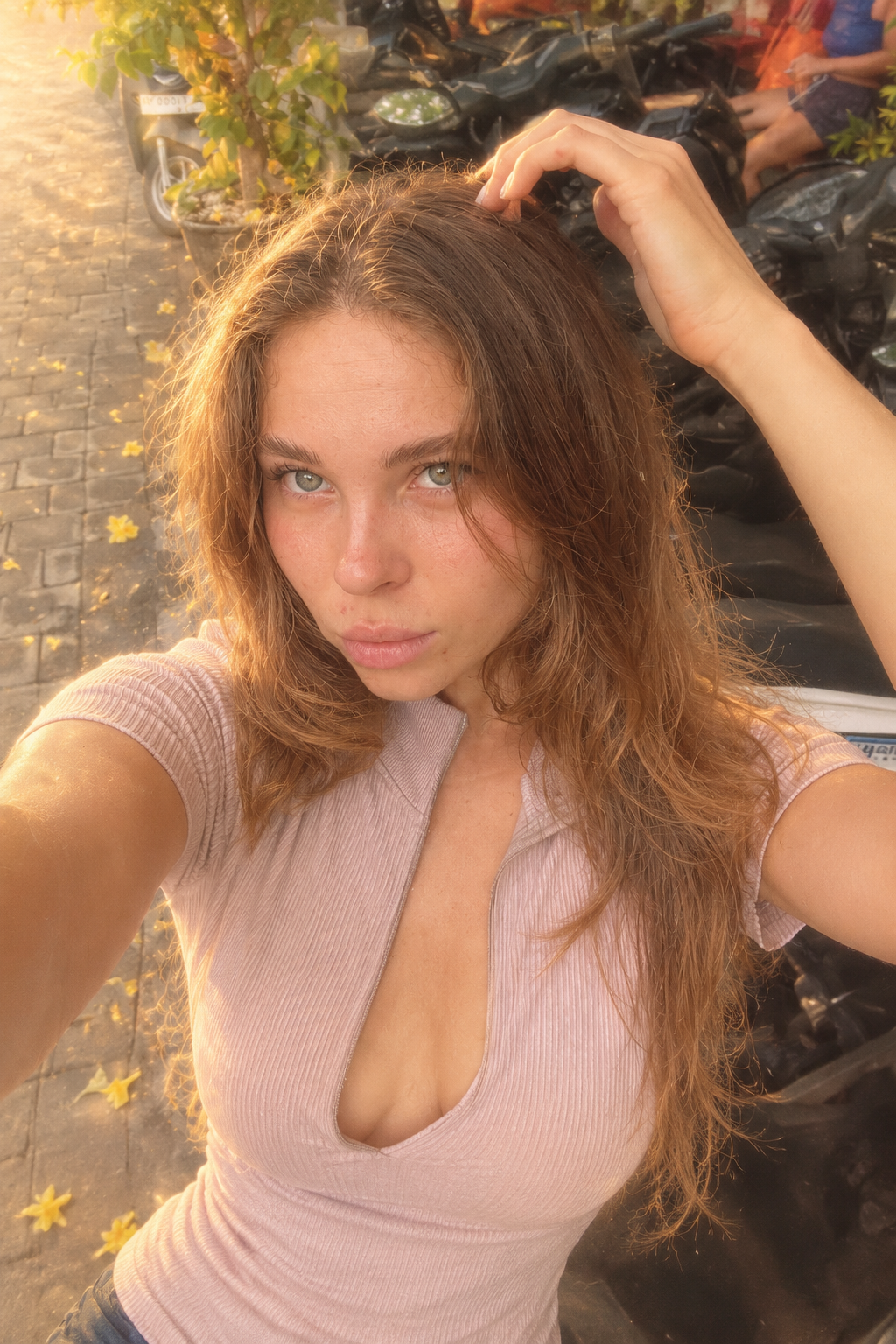

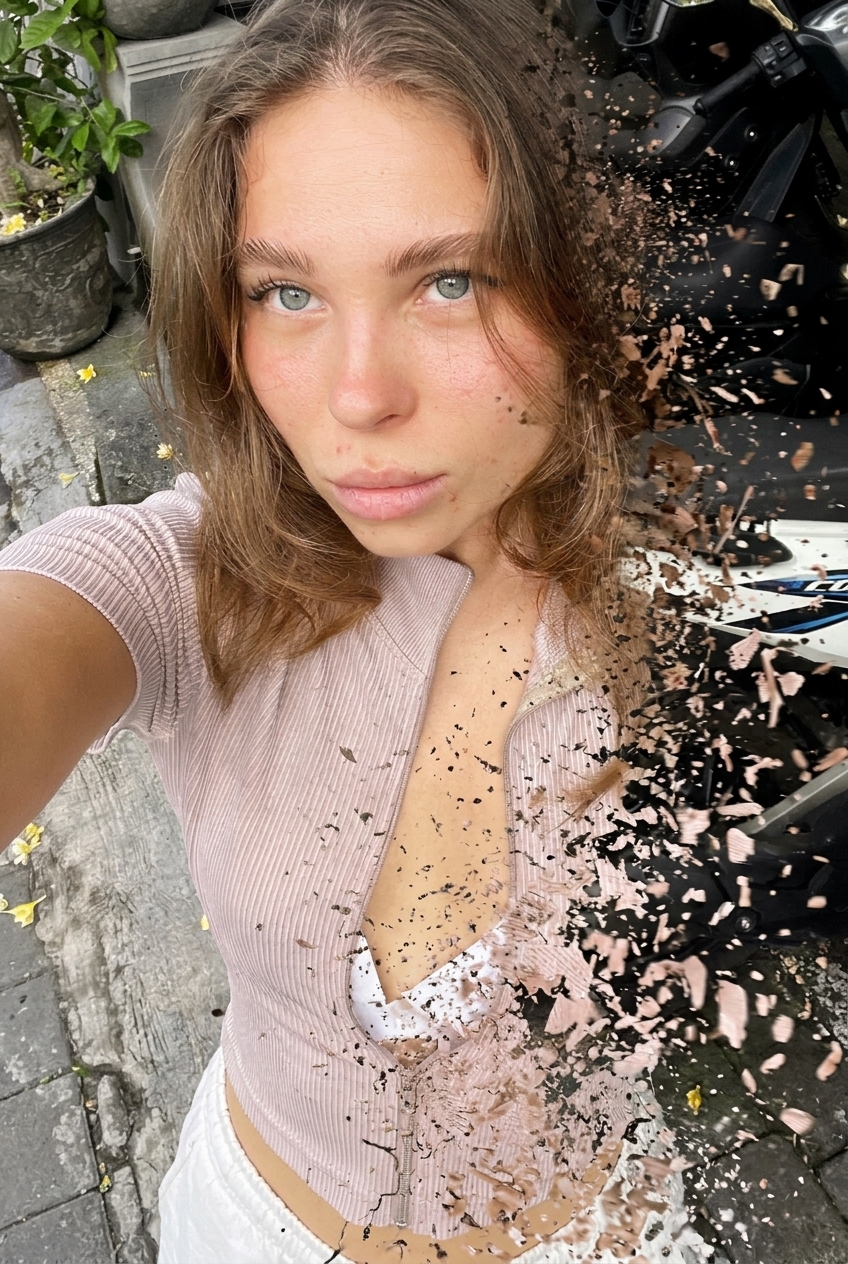
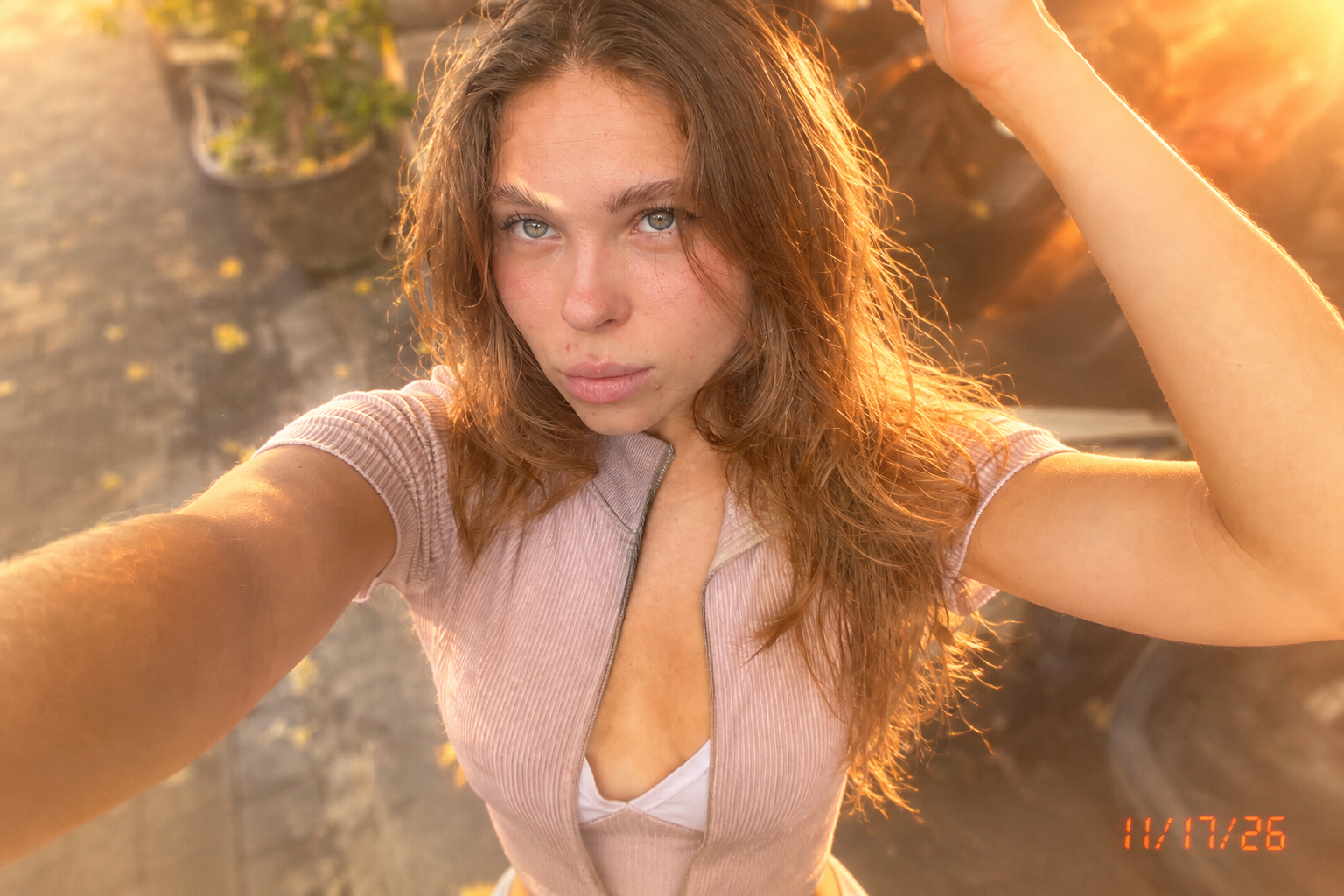
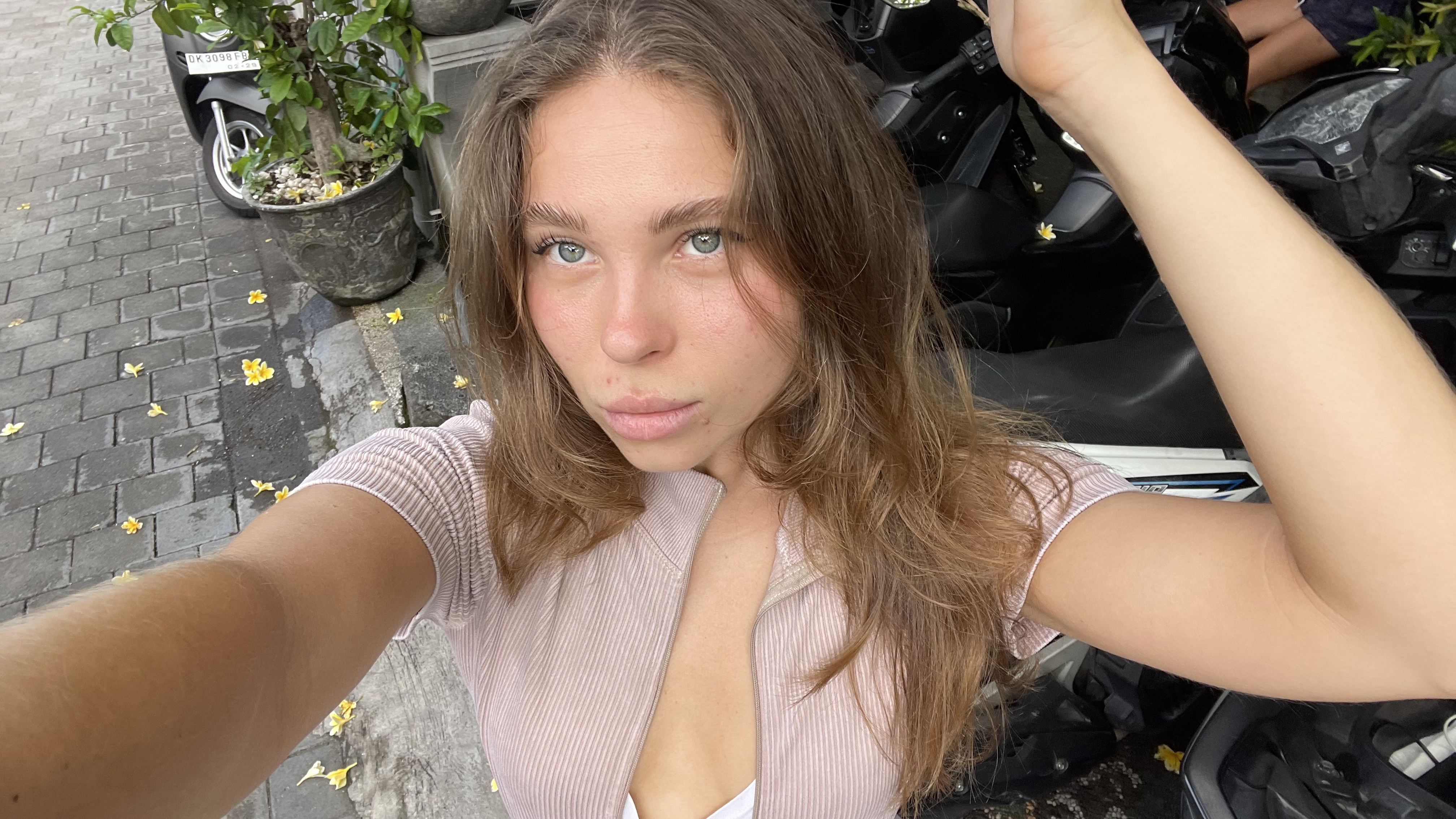

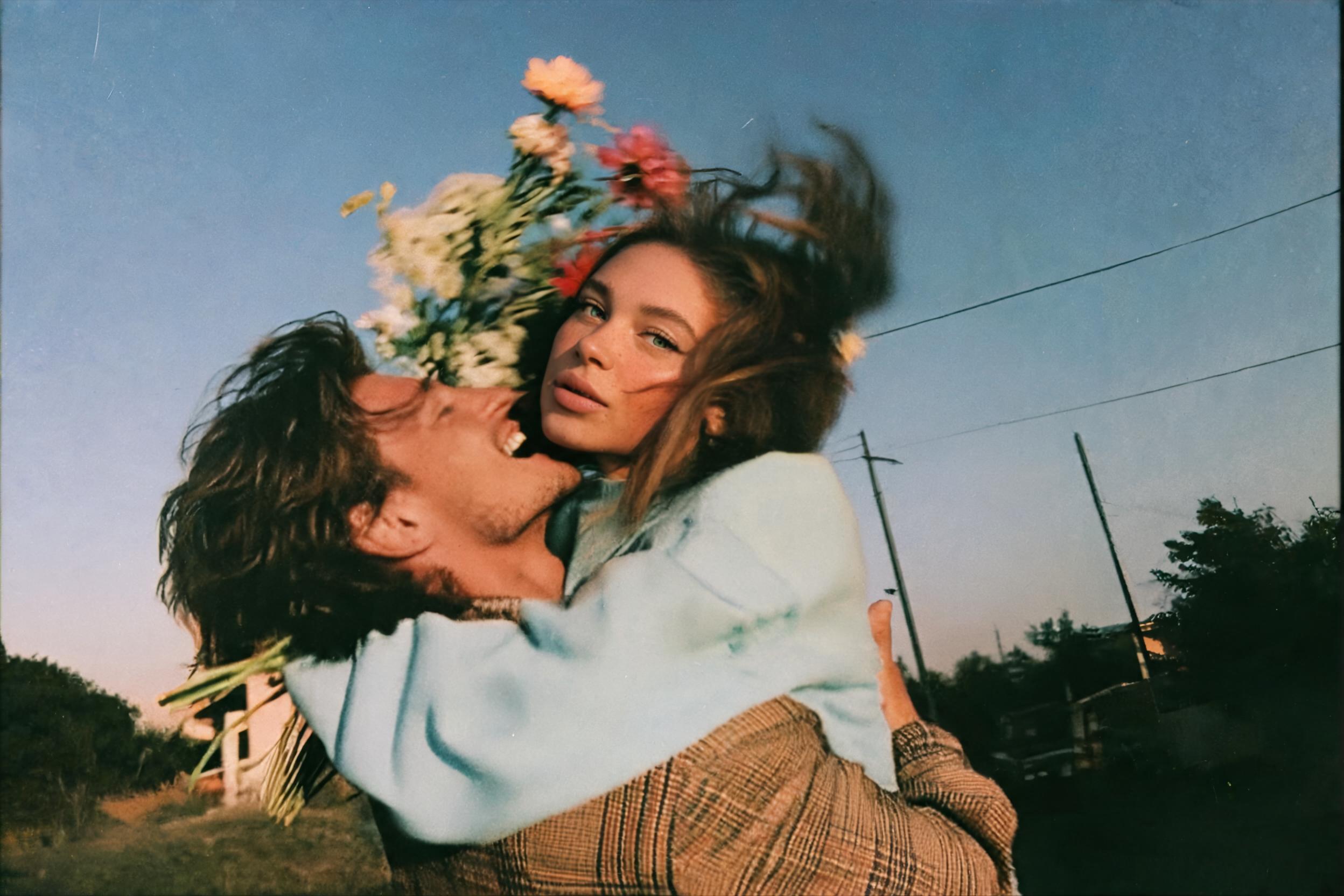
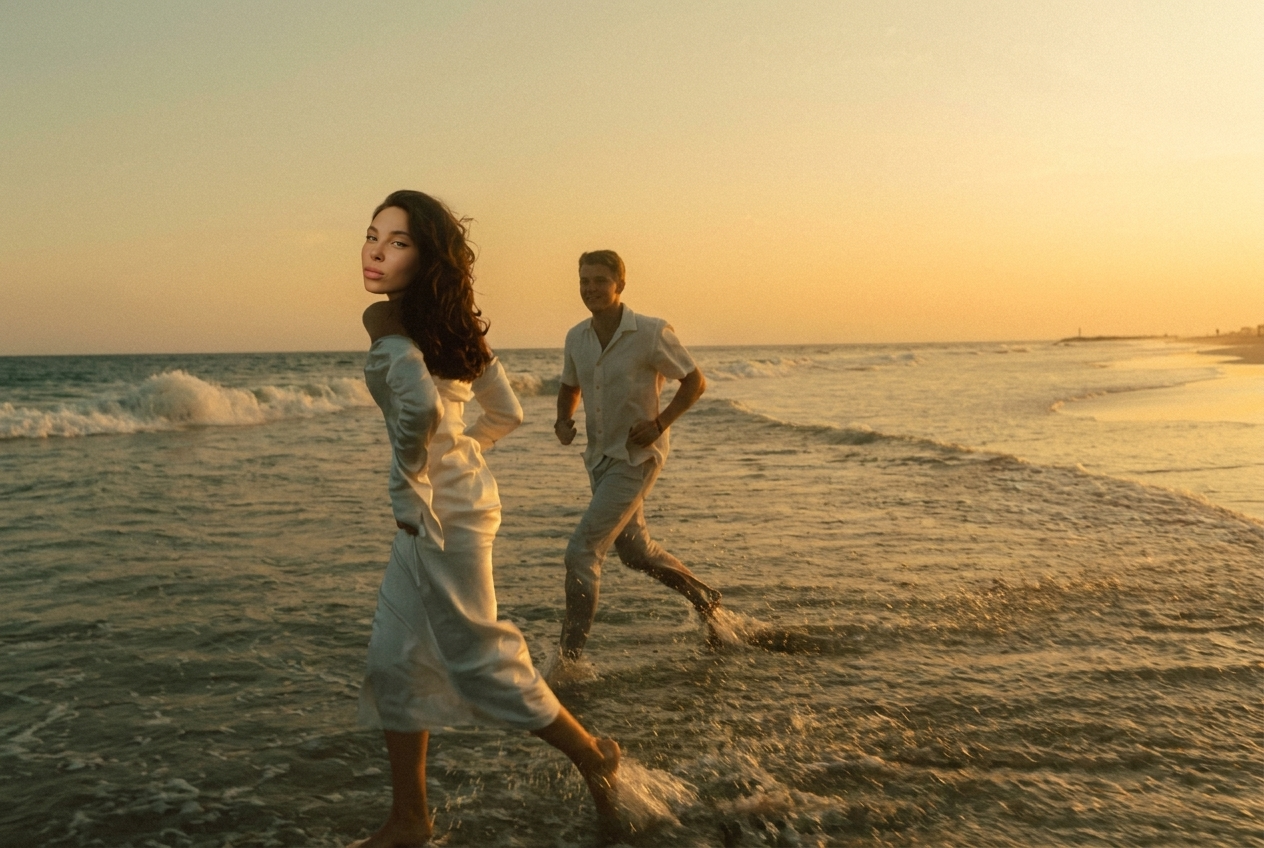
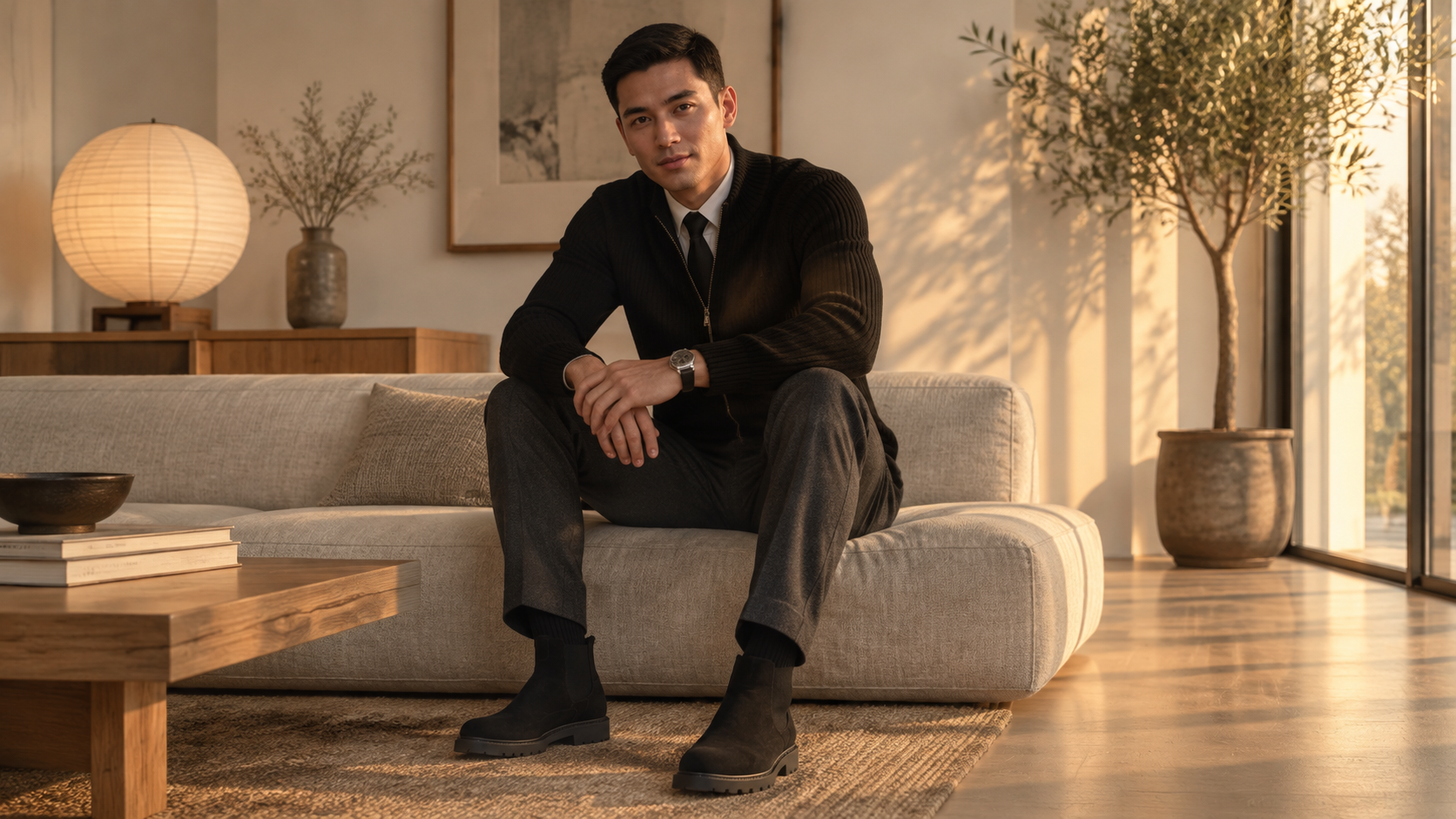
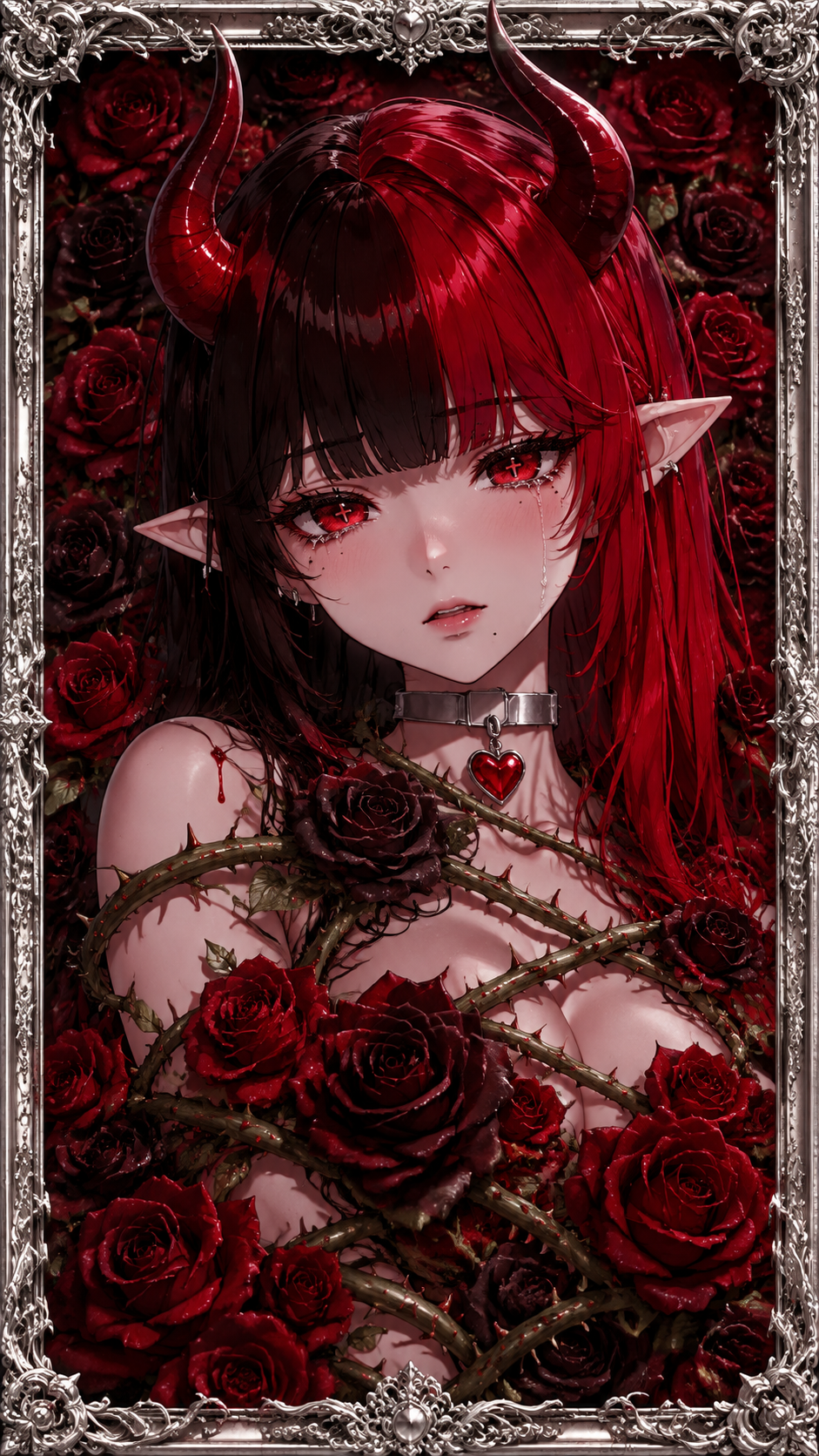

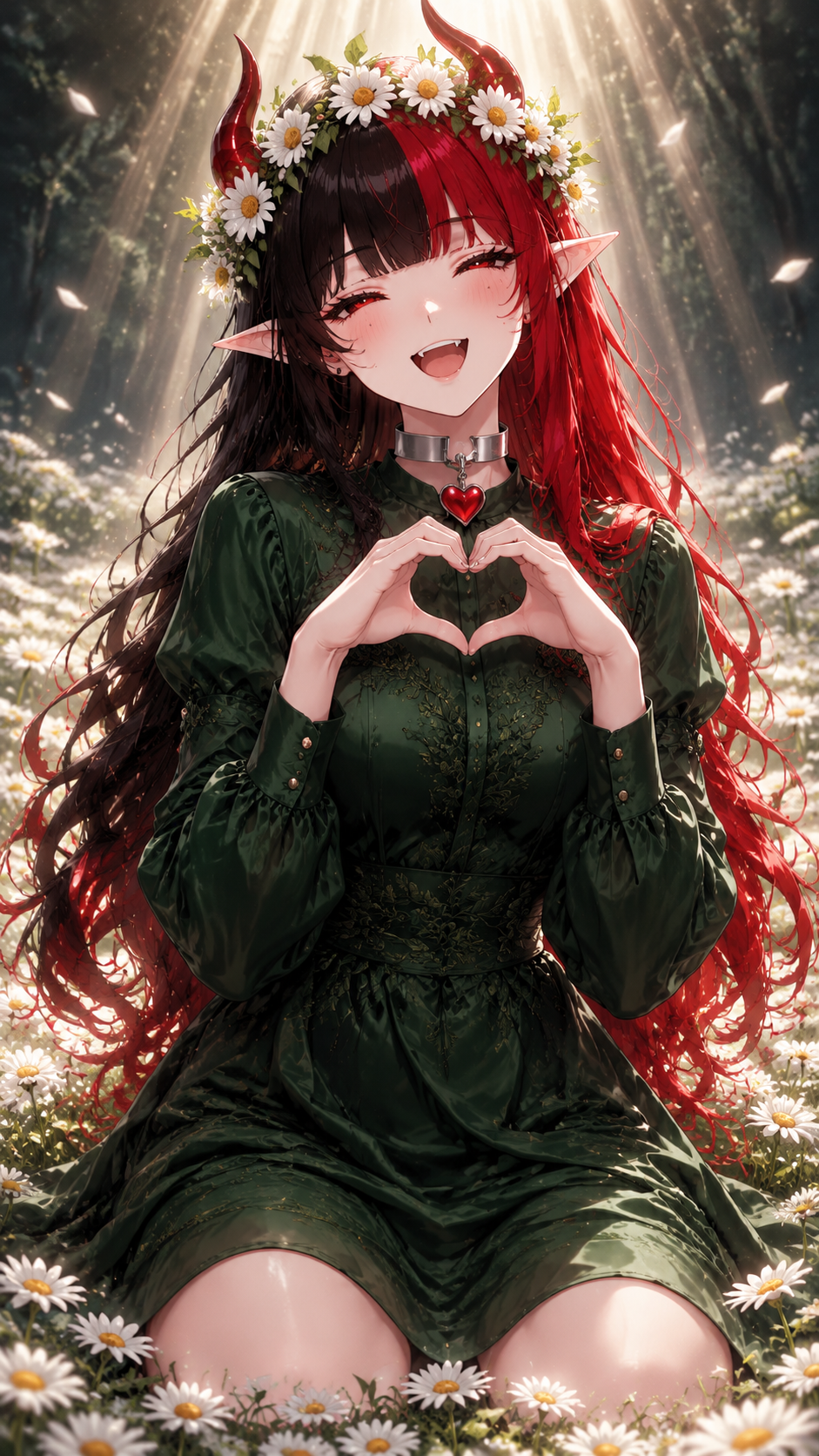
Edit the original uploaded photograph by recreating the combined visual appearance of these two Instagram effects: 1. "Dissolve" (first reference effect). 2. "Warm Light" (second reference effect). Apply both effects simultaneously, blending them naturally. DISSOLVE EFFECT: Recreate the soft, dreamy, glowing visual character of the Instagram Dissolve filter. Introduce subtle atmospheric diffusion, delicate softness and a gentle luminous quality. Create a slightly hazy, dreamy film-like appearance while maintaining image clarity and recognizable details. WARM LIGHT EFFECT: Recreate the warm, sunlit appearance of the Warm Light Instagram filter. Introduce beautiful golden sunlight, warm amber highlights, soft honey tones and a natural sun-kissed color palette. Make the lighting feel warm, bright and inviting, as if photographed in beautiful afternoon sunlight. COMBINED LOOK: Blend both effects together to achieve a dreamy, warm, softly glowing photograph. The image should feel like a beautiful analog-inspired photograph with warm sunlight, delicate glow, soft highlights and rich natural colors. STRICT PRESERVATION RULES: - Preserve the original photograph exactly. - Do not change facial features, identity, skin texture, body proportions, pose or expression. - Do not change clothing, background, objects or composition. - Do not add artificial lighting sources or new elements. - Do not introduce excessive blur, strong orange tones or artificial skin smoothing. - Only modify the photographic color grading, light, glow and atmosphere. The final result should look as if both Instagram filters were applied directly to the original photograph, not as if the photograph was regenerated.
Бесплатный старт · Генерация видео и картинок с ИИ за секунды