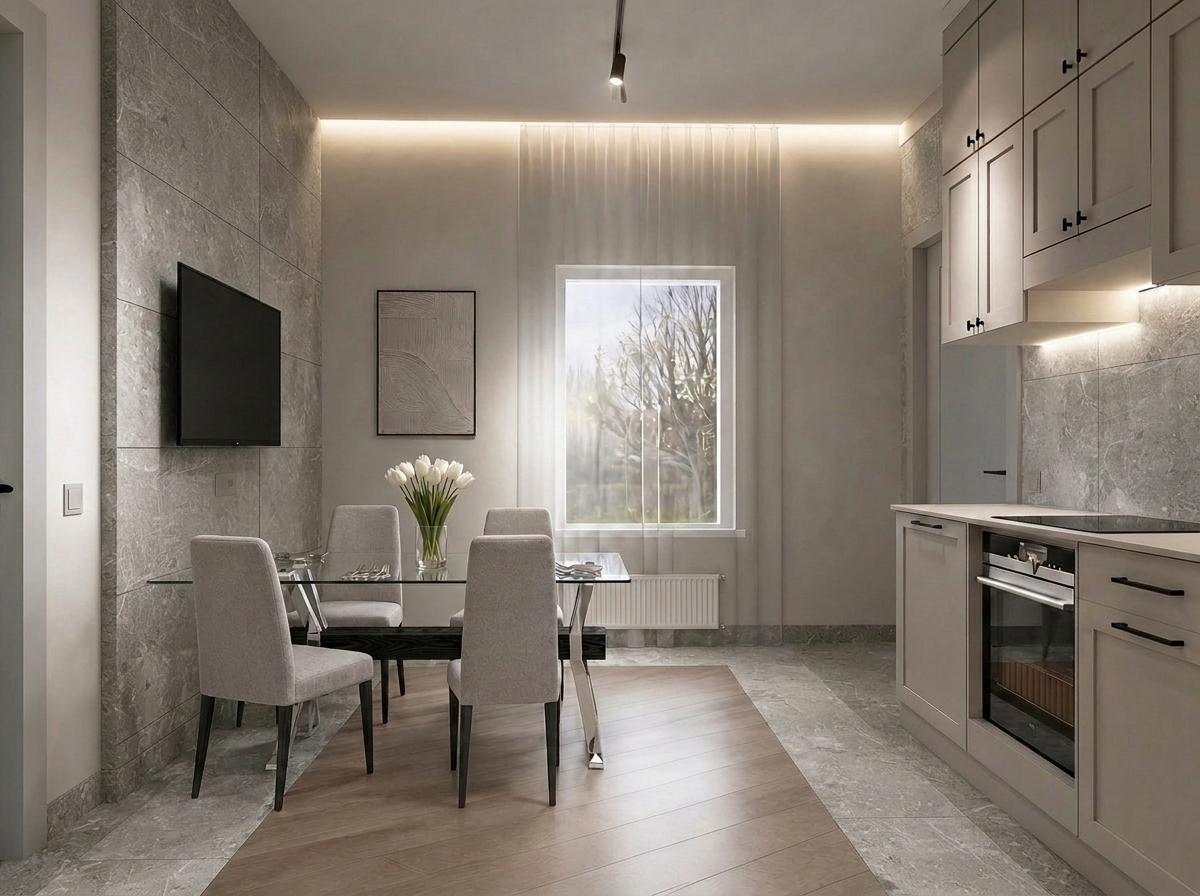

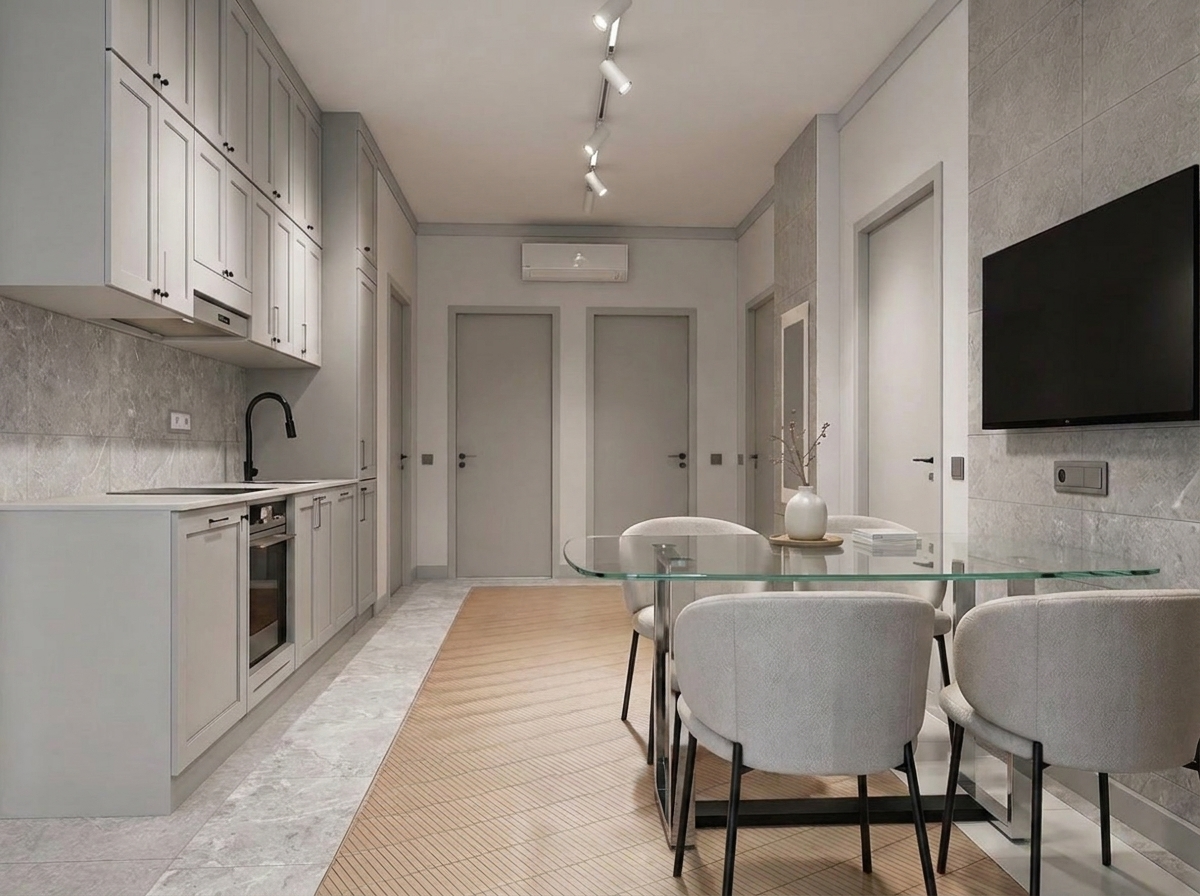
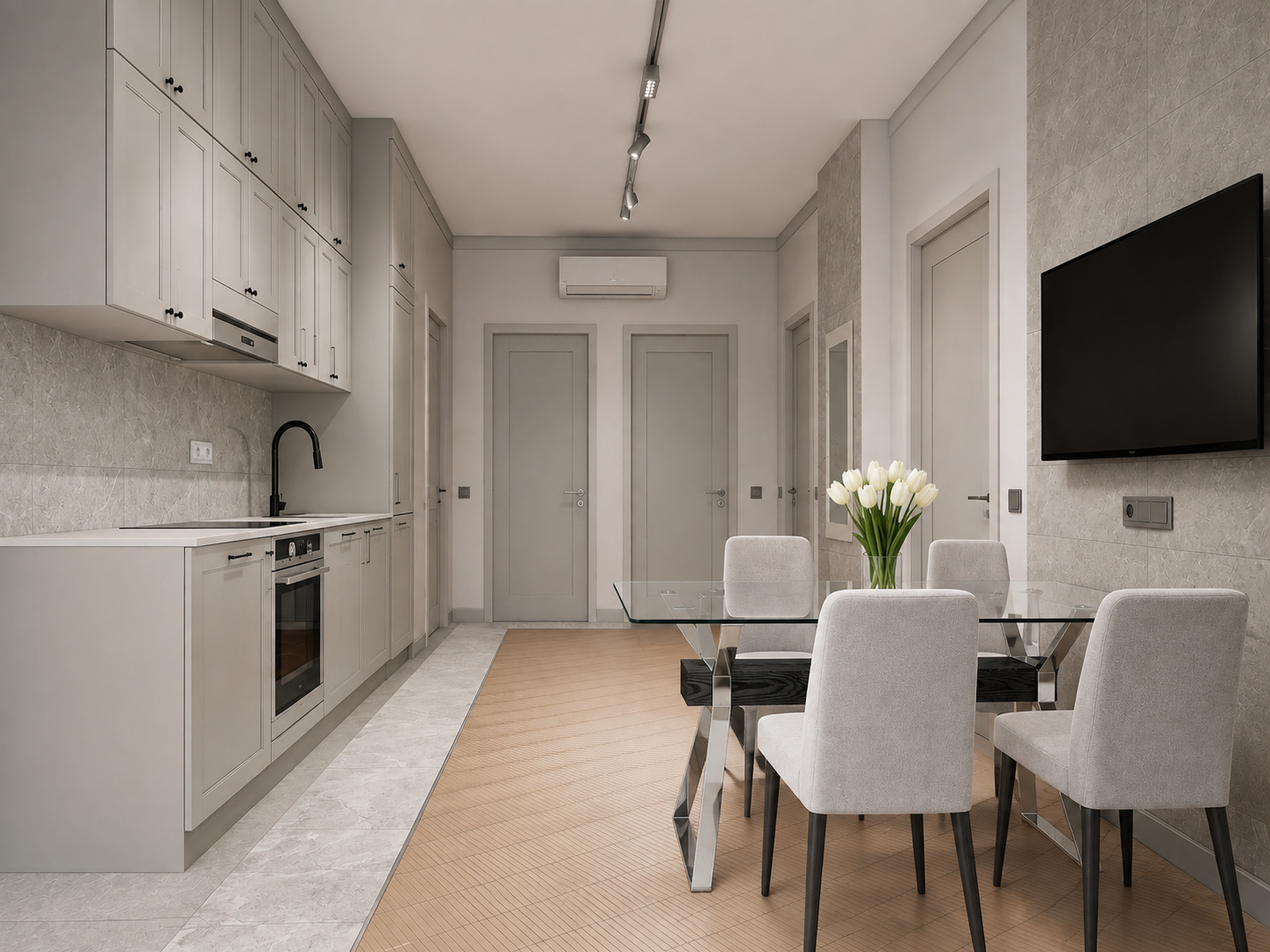






**Prompt (EN) for Krea AI:** “Edit Photo 1. Change ONLY the color and surface texture (material finish) of two areas, while keeping the exact tile layout, tile sizes, grout lines, and boundaries unchanged: 1) Floor: the white/light tile strip on the floor (the light border band) — replace its color and texture to match exactly the light gray stone tile from Reference Photo 2. Keep the same floor configuration and grout pattern; only swap the tile look on this white strip. 2) Kitchen backsplash wall: the tiled area on the wall behind the kitchen countertop — replace ONLY its color and texture to match exactly the same light gray stone tile from Reference Photo 2. Keep the backsplash tile layout and grout lines exactly as they are; only change the tile appearance. Make these two areas look like the SAME tile material (same tone, veining, gloss/matte level, and scale), with realistic stone variation and consistent lighting/shadows. Everything else must remain completely unchanged: all other floor areas (wood-look center, dark perimeter tile), all other wall finishes/tiles, kitchen cabinets, appliances, countertop, lighting, furniture, window/curtains, doors, baseboards, architecture, perspective, and colors. Photorealistic, clean edges, no artifacts.” **Negative prompt (optional):** “No changes outside the specified floor light strip and the backsplash tile. Do not change geometry, tile layout, grout lines, cabinet colors, furniture, lighting, or camera angle.”
Бесплатный старт · Генерация видео и картинок с ИИ за секунды